
A loose charging port is one of the most common phone problems. If your cable keeps falling out, charging only works at certain angles, or your phone stops charging randomly, the issue may be more serious than it appears.
Modern smartphones from manufacturers like Apple Inc., Samsung Electronics, and Google rely on precise charging port connections. Even minor wear or debris can disrupt the electrical contact needed for stable charging.
Below are the most common signs your charging port may need professional repair.
1. Charging Cable Won’t Stay In
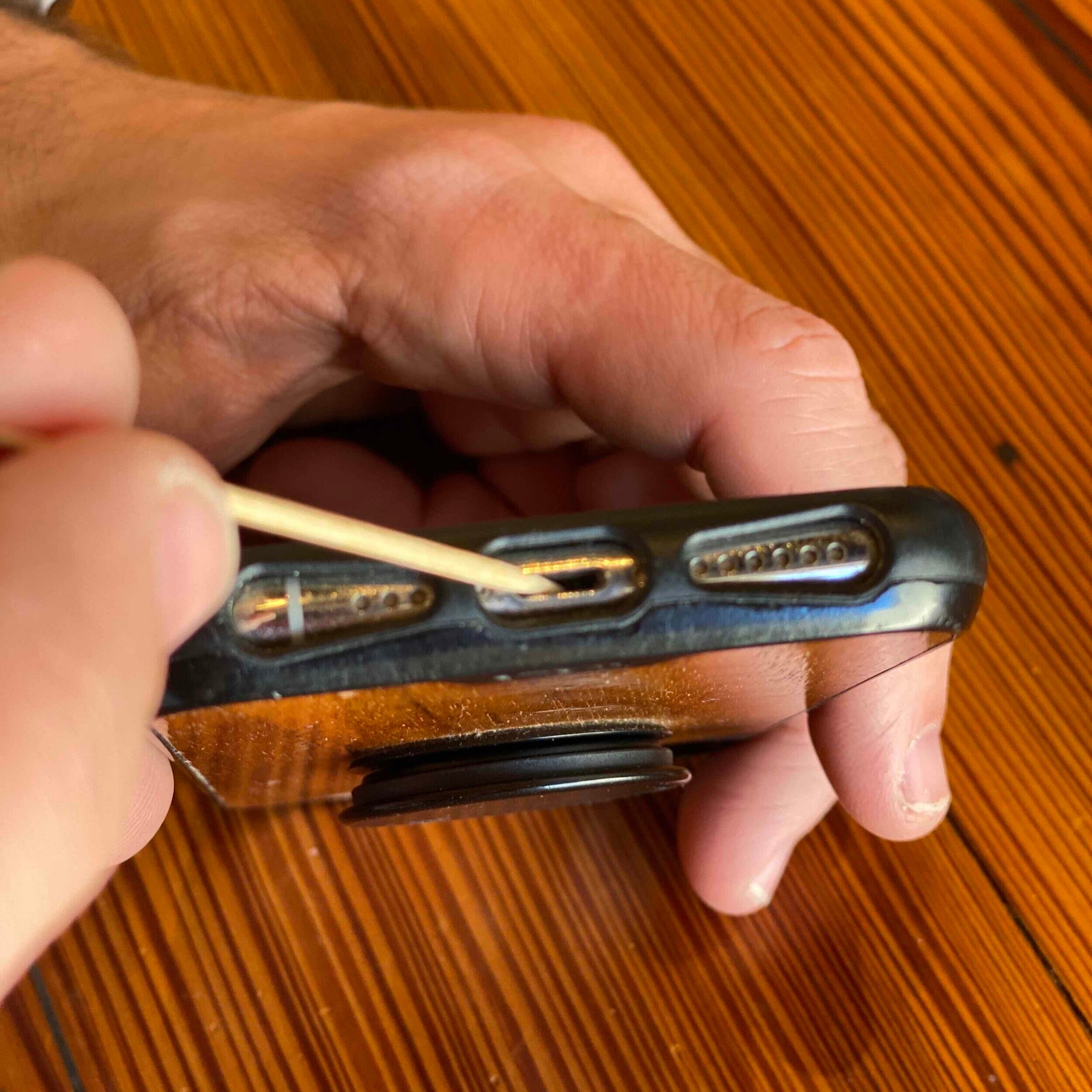
If your cable easily slips out of the port, the internal connectors may be worn or bent.
Possible causes
Frequent plugging and unplugging
Low-quality charging cables
Internal port wear over time
What it means
The port may need replacement or internal connector repair.
2. Phone Only Charges at Certain Angles
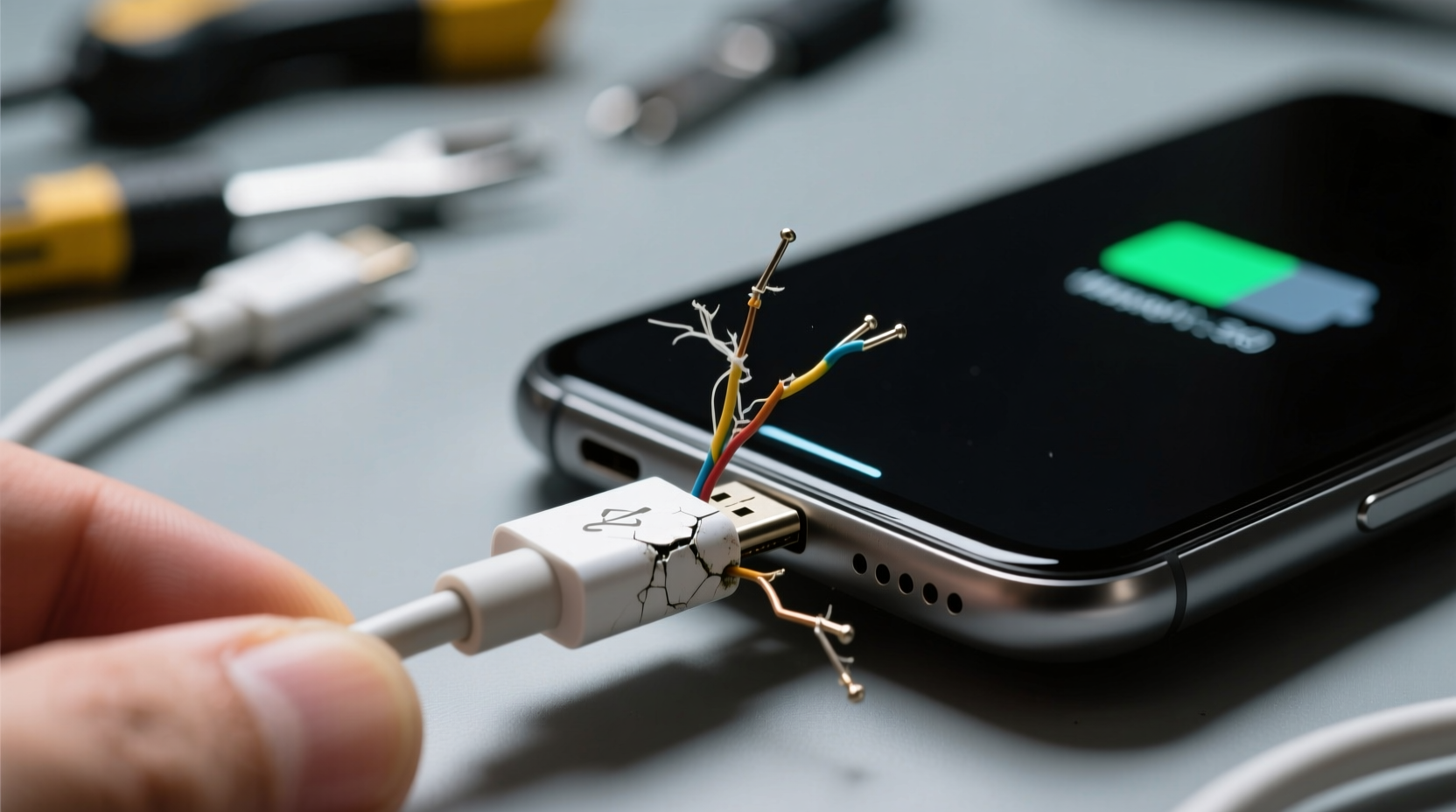
If charging starts and stops depending on how you position the cable, the connection inside the port may be unstable.
Signs
Charging stops when the phone moves
Cable must be held in a specific position
Charging repeatedly connects and disconnects
Possible issue
The internal pins or solder joints may be damaged.
3. Phone Charges Very Slowly

Dust and pocket lint often collect inside charging ports.
Even a small amount of debris can prevent the connector from fully inserting.
Symptoms
Charging takes much longer than usual
Fast charging no longer works
Cable feels blocked when inserted
Fix
Professional port cleaning may restore proper charging.
4. Charging Stops Completely
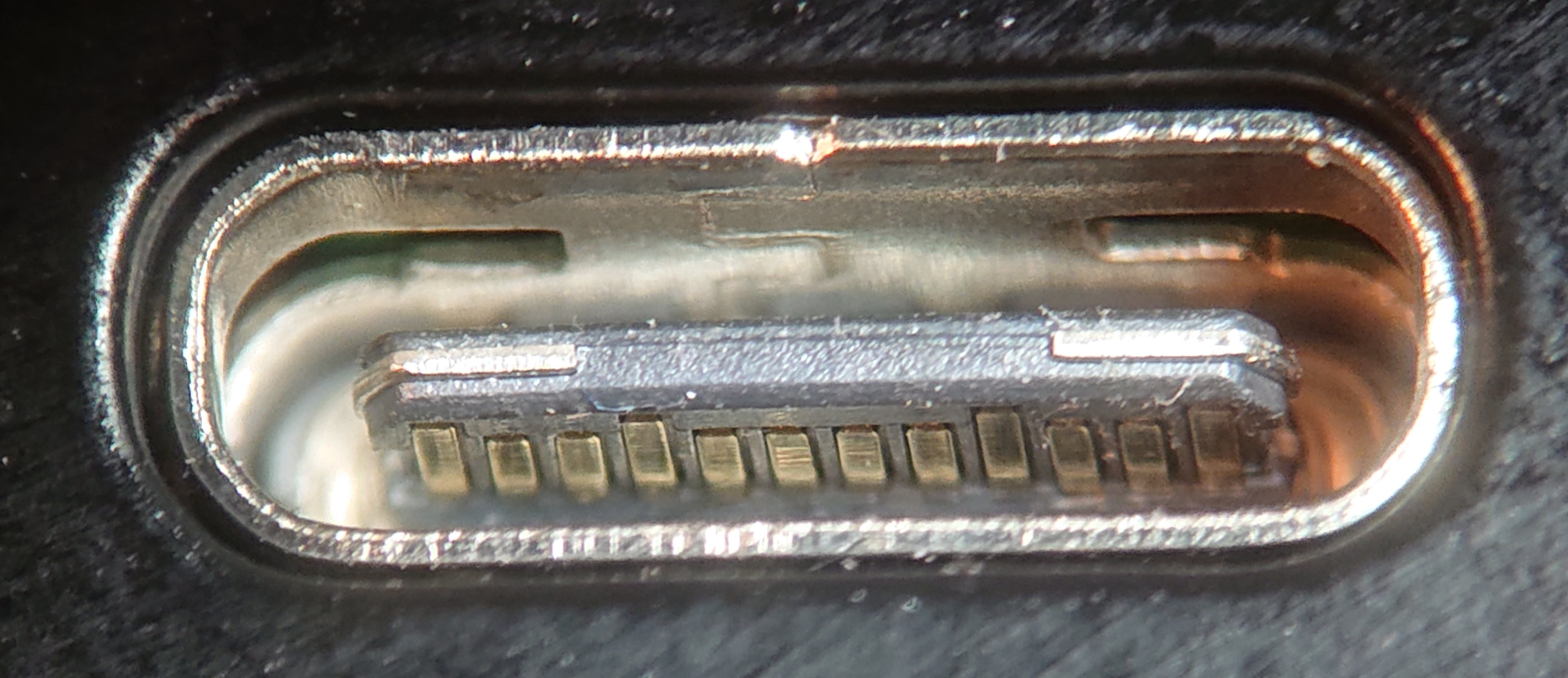
If the phone stops charging entirely, the port may be physically damaged.
Common reasons include:
Broken internal pins
Water damage
Impact damage from drops
Repair solution
Technicians may need to:
Replace the charging port module
Perform microsoldering repair on the motherboard
5. Phone Gets Hot While Charging
Overheating during charging can occur if the electrical connection inside the port is unstable.
Warning signs
⚠ Phone heats up quickly while charging
⚠ Charging repeatedly disconnects
⚠ Battery drains even when plugged in
This can indicate short circuits or internal connector damage, which should be repaired quickly to prevent further damage.
When Cleaning Isn’t Enough
Many users attempt DIY cleaning, but improper tools can damage the delicate pins inside the port.
Avoid using:
Metal pins
Needles
Paper clips
If debris is deeply compacted or the port is worn, professional repair is safer.
How Technicians Fix Loose Charging Ports
A professional repair shop will typically:
Inspect the port with magnification
Remove debris safely
Test charging current and cable connection
Replace the charging port if necessary
Many phones use modular charging ports, making replacement relatively quick.
Final Thoughts
A loose charging port may start as a minor inconvenience but can quickly lead to charging failure or internal damage. If your phone only charges at certain angles, charges slowly, or the cable keeps falling out, the port likely needs professional attention.
Getting the issue fixed early can prevent more expensive repairs later.